Completely Redesigned Cluster Dialog, Unified Workspace and Teamspace Selector + 2 more
Completely Redesigned Cluster Dialog
We're thrilled to share some exciting updates we've rolled out this week! Our team has been hard at work refining features to make your experience smoother and more intuitive. Here's what's new:
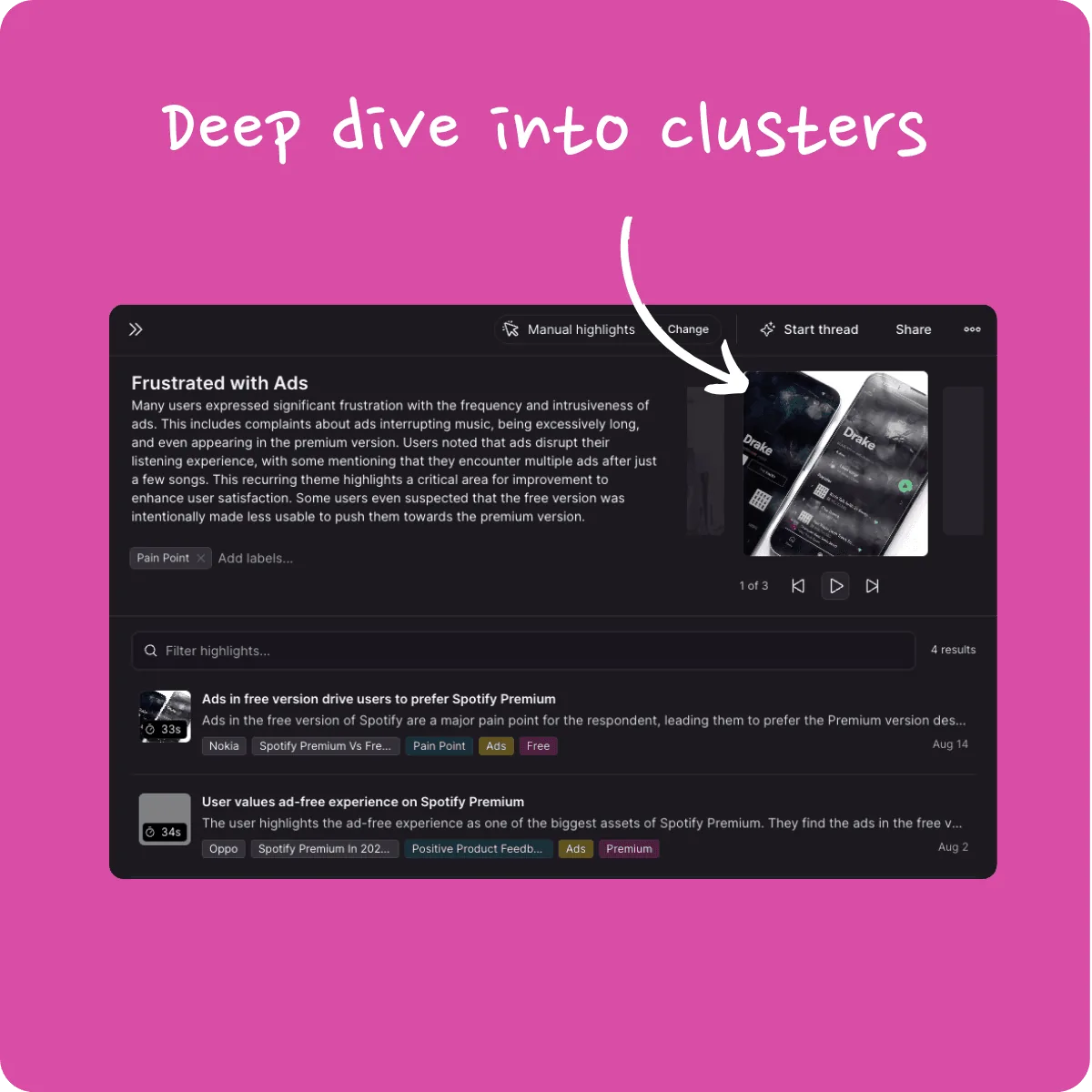
Navigating clusters just got a whole lot easier! Since most clusters in NEXT are now AI-generated, we've overhauled the cluster dialog to help you explore and understand them effortlessly.
- Intuitive Exploration: No prior knowledge needed—discover what each cluster is about with prominently displayed titles and descriptions.
- Engaging Highlights Carousel: Dive into the most engaging highlights through a new, easy-to-navigate carousel.
- Expanded Details View: Want more details? We've cleaned up the highlights list and expanded it to full height for a more immersive experience.
Unified Workspace and Teamspace Selector 🎉
Switching between workspaces and teamspaces is now simpler than ever. We've combined them into a single selector, streamlining your workflow and saving you valuable time.

Sleek New Teamspace Header 🎉
We've decluttered the teamspace header for a cleaner look and enhanced usability.
- Clickable Avatar: The avatar is now clearly marked as clickable, making it easier to access your profile and settings.
- Consolidated Tenant Settings: Tenant settings have moved into the avatar menu, freeing up space and simplifying navigation.
- Improved Collaboration Prompts: With the extra space, we now more clearly encourage first-time users to invite others to collaborate.

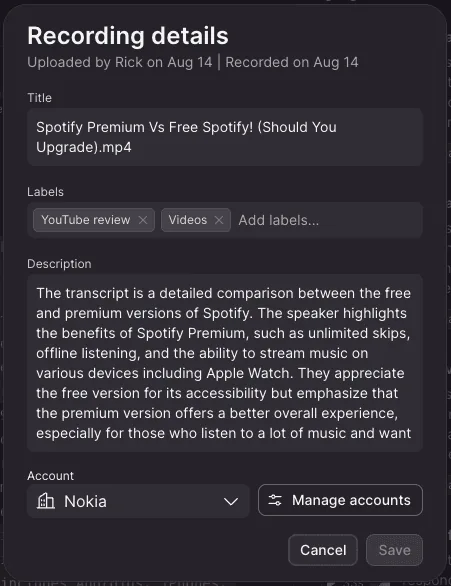
Direct Access to Teamspace Settings from the Recording Page 🎉
We've made configuring accounts during recordings more seamless.
- Stay in the Flow: No need to leave the recording page to set up new accounts.
- Integrated Settings Access: Access teamspace settings directly within your workflow, so you can assign accounts on the fly without any interruptions.