Tailored Dashboards Generated by NEXT AI, Import Reviews, Surveys, and Support Tickets as Highlights + 4 more
Tailored Dashboards Generated by NEXT AI
We're thrilled to announce a host of new features and improvements designed to enhance your experience and streamline your workflow. Here's what's new this week:
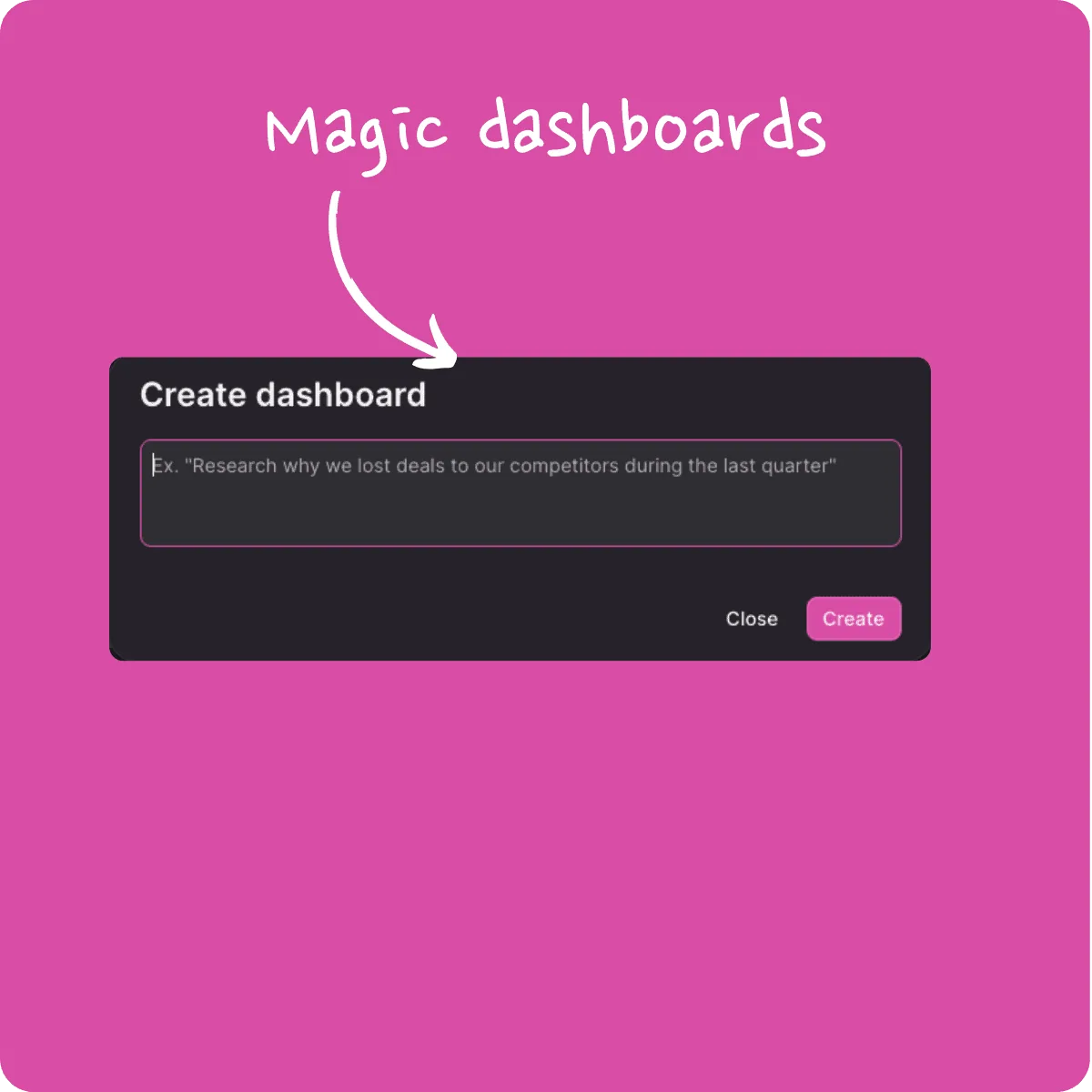
Setting up dashboards can be time-consuming—filtering data, crafting prompts, selecting charts—but not anymore! With our latest update, you can simply ask a question, and NEXT AI will automatically generate a customized dashboard to provide the answers you need. It's never been easier to get insights at a glance.
Import Reviews, Surveys, and Support Tickets as Highlights 🎉
Gathering feedback is crucial, and we've made it faster and more efficient. App store reviews, Mopinion survey results, and support tickets are now imported directly as highlights. This means quicker processing without the delays of AI analyzing each recording. Get straight to the valuable insights without the wait.
Mass Upload Highlights Directly into the Highlights Library 🎉
Need to add a large number of highlights? You can now mass upload highlights via CSV directly into your Highlights Library. This bypasses the slower process of analyzing recordings, making it perfect for short inputs like survey responses or support tickets. Just include a 'text' column in your CSV file—tags and other fields are optional. The AI will enrich your highlights in less than a minute. Remember to reload the page to see the updates!
👉 See the documentation here for more details.

NEXT is Now on the Slack App Store 🎉
Great news for Slack users! NEXT is officially listed on the Slack App Store. You can now easily find and install NEXT directly into your Slack workspace, enhancing collaboration and keeping your team in sync.
Persistent and Shared Customizations in the Highlights Table 🎉
Customize your Highlights Library table layout to suit your needs—reorder or hide columns, adjust views—and now, these changes will persist and be shared across your team. Set up tailored tables for specific use cases, and ensure everyone stays on the same page.
Small but Mighty UX Improvements
-
Enhanced Search Placeholders for Semantic Search 🎉
We've updated the search box with new placeholders that demonstrate how to use our powerful semantic search. This helps clarify expectations and guides you to more effective search queries.
-
Direct Access to Integration Settings from Recording Upload 🎉
We've made it easier to find integration settings right when you need them. Access settings directly from the recording upload area, simplifying the process of uploading files or importing from services like Zoom.
