Simpler preprocessing setup, built-in quality checks + 1 more
Configure and test extraction and tagging in one place
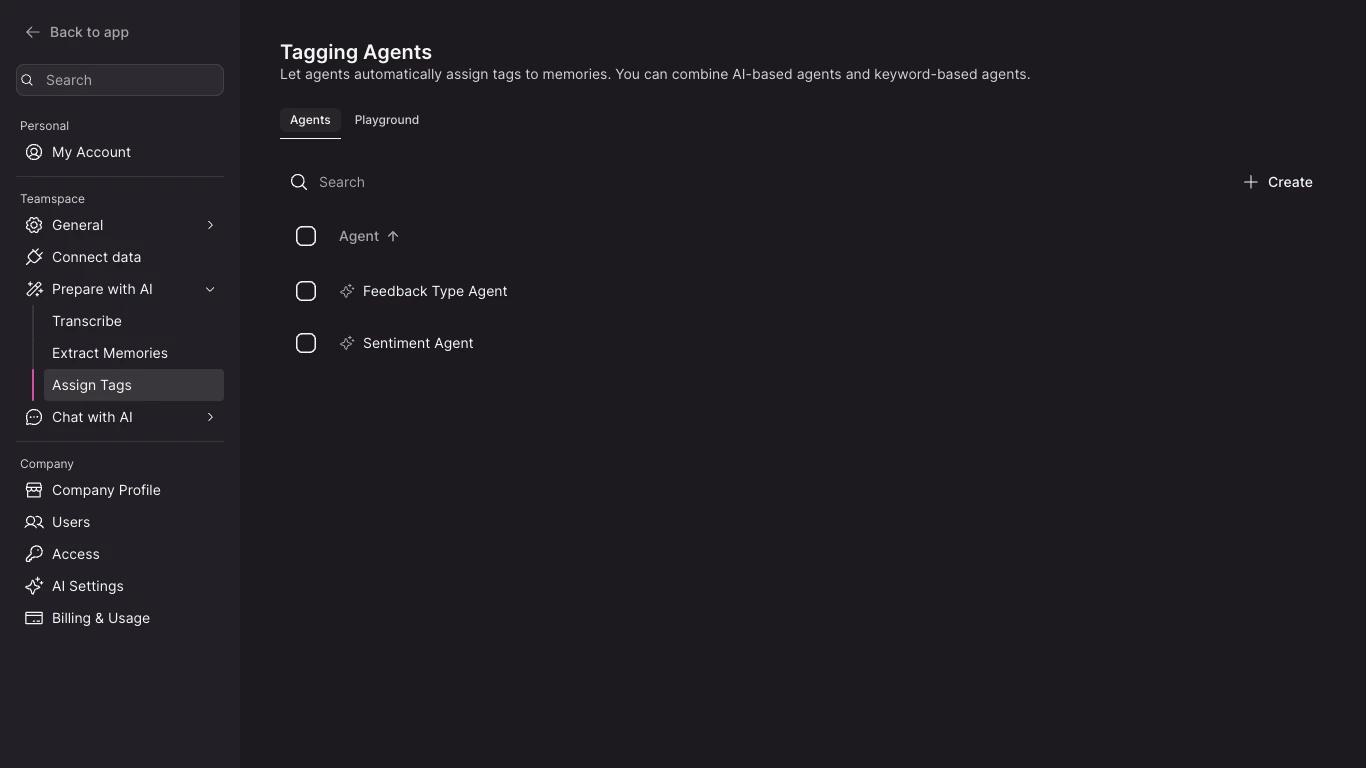
The Extraction and Tagging playgrounds are now integrated directly into their respective Settings pages instead of appearing as separate menu items. The Settings navigation also communicates the sequence of the preprocessing pipeline more clearly, making it easier to move from configuring a step to testing its behavior.
How to use:
- Open Settings
- Open "Prepare with AI" > "Extract Memories" (or "Assign Tags")
- Click tab "Playground"
See whether extracted memories meet NEXT's quality bar
Each extracted memory is evaluated for faithfulness, clarity, and completeness. Results include a short explanation for each dimension and appear next to your custom criteria. The playground also highlights cases where your checks and the built-in evaluation disagree, helping you identify whether a configuration is producing strong memories rather than simply satisfying a specific test.
How to use:
- Open Settings
- Open "Prepare with AI" > "Extract Memories"
- Click tab "Playground"
- Create a new simulation & run it
- Review the built-in quality results alongside your own criteria.
- Use the explanations and any disagreements between the evaluations to identify where the agent configuration may need adjustment.
Understand when an expected topic should not become a memory
Add a topic you expect to find in an Extract Memory simulation and NEXT checks whether it appears in any extracted memory. When it does not, the result explains the outcome using the extraction rules—for example, because the topic was mentioned only in passing, was too general, or was otherwise not memorable enough to retain. This makes a failed expectation more informative and helps avoid tuning extraction toward content that should not become a memory.
How to use:
- Open Settings
- Open "Prepare with AI" > "Extract Memories"
- Click tab "Playground"
- Create a new simulation
- Add a Contains topic criterion, enter the topic you want to check, and run the simulation. Review both the pass/fail result and its explanation when deciding whether the analyzer configuration should change.
- Add a Contains topic criterion, enter the topic you want to check
- Run the simulation. Review both the pass/fail result and its explanation when deciding whether the analyzer configuration should change.