Import ALL survey responses, Configure your summary language + 2 more
Import ALL survey responses
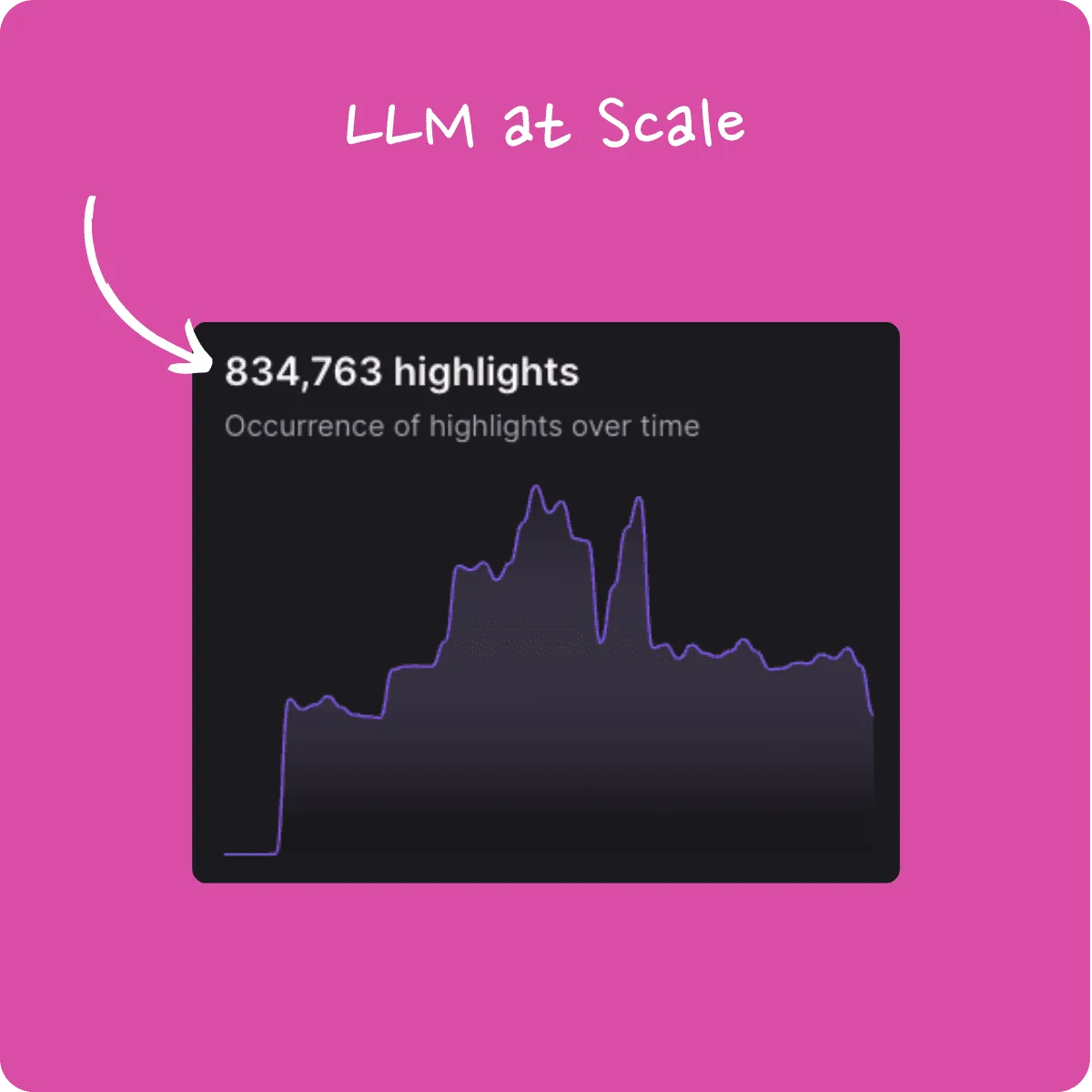
We’ve supercharged NEXT’s survey imports: where you previously only saw text replies, now every single response—textual or not—flows in. That’s up to 20× more data to fuel your dashboards and truly quantify feedback. Best of all, our LLM-powered insights scale seamlessly to millions of responses, so your analytics stay sharp no matter how big your survey gets.
Configure your summary language 🎉
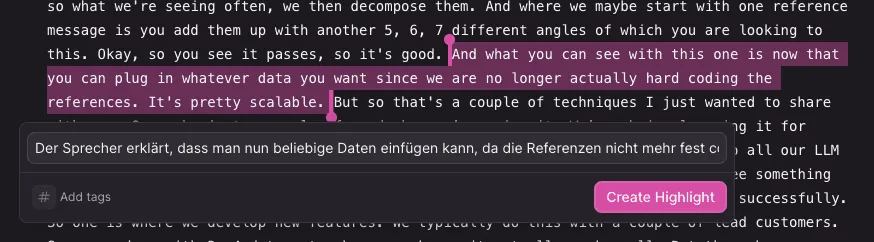
Our AI just got more multilingual! Until now, highlight summaries defaulted to the recording’s language. Today, you choose: head to Settings > AI and pick your preferred summary language. Whether you’re working in English, Español, Deutsch, or beyond, NEXT will speak your language.
Mass CSV upload captures contact & source 🎉
Big CSVs just got bigger in value: drop in two new headers—contact (respondent ID, email, or CRM ID) and source (Survey, Gong call, Zendesk ticket, etc.)—and NEXT will tag each highlight accordingly. This extra metadata means deeper context from the get-go. Check out the updated docs for details!
See the docs for details: https://help.nextapp.co/en/articles/9996257-mass-upload-highlights-csv
Sharing shows your highlight title 🎉
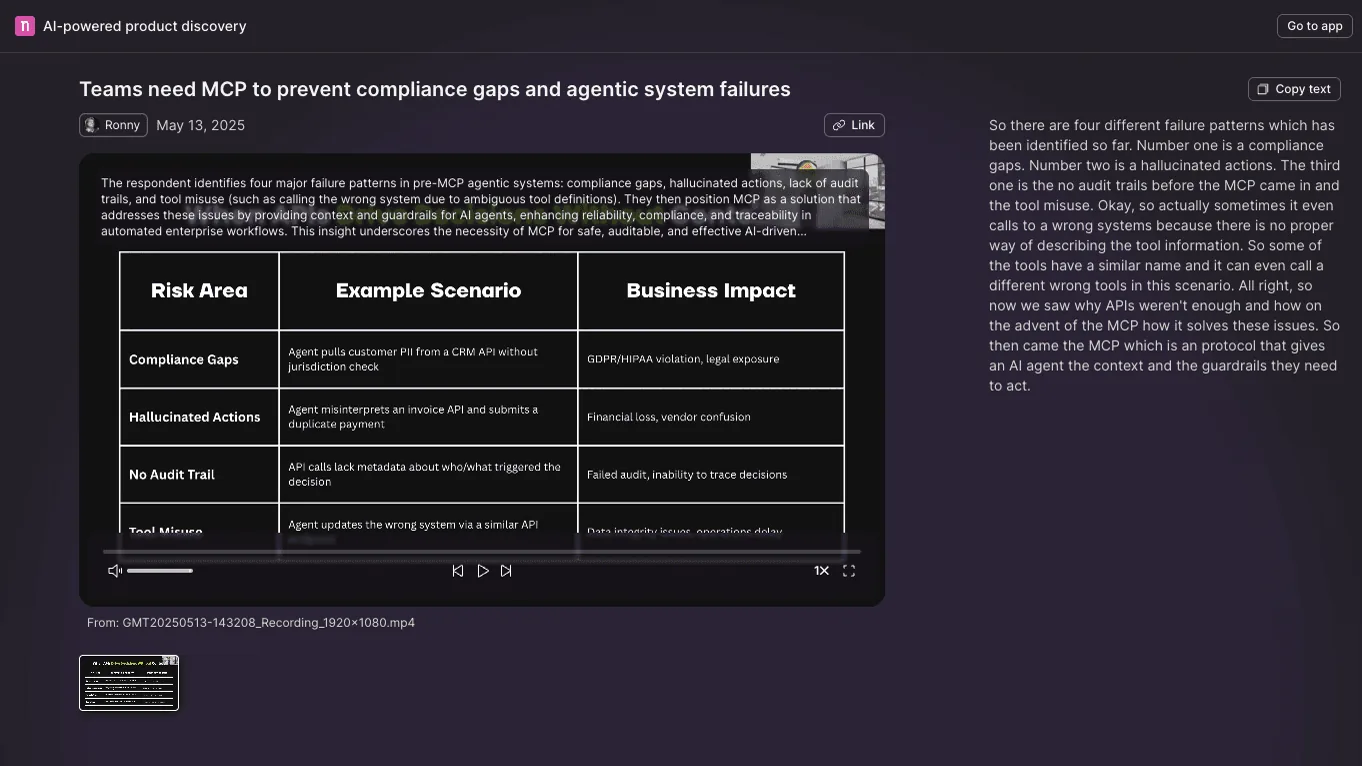
We’ve cleaned up the sharing view by spotlighting your custom titles instead of long descriptions. The result? A sleek, streamlined experience when teammates dive into media players—no overlays, just the key takeaway front and center.
Stay tuned for more updates next week!