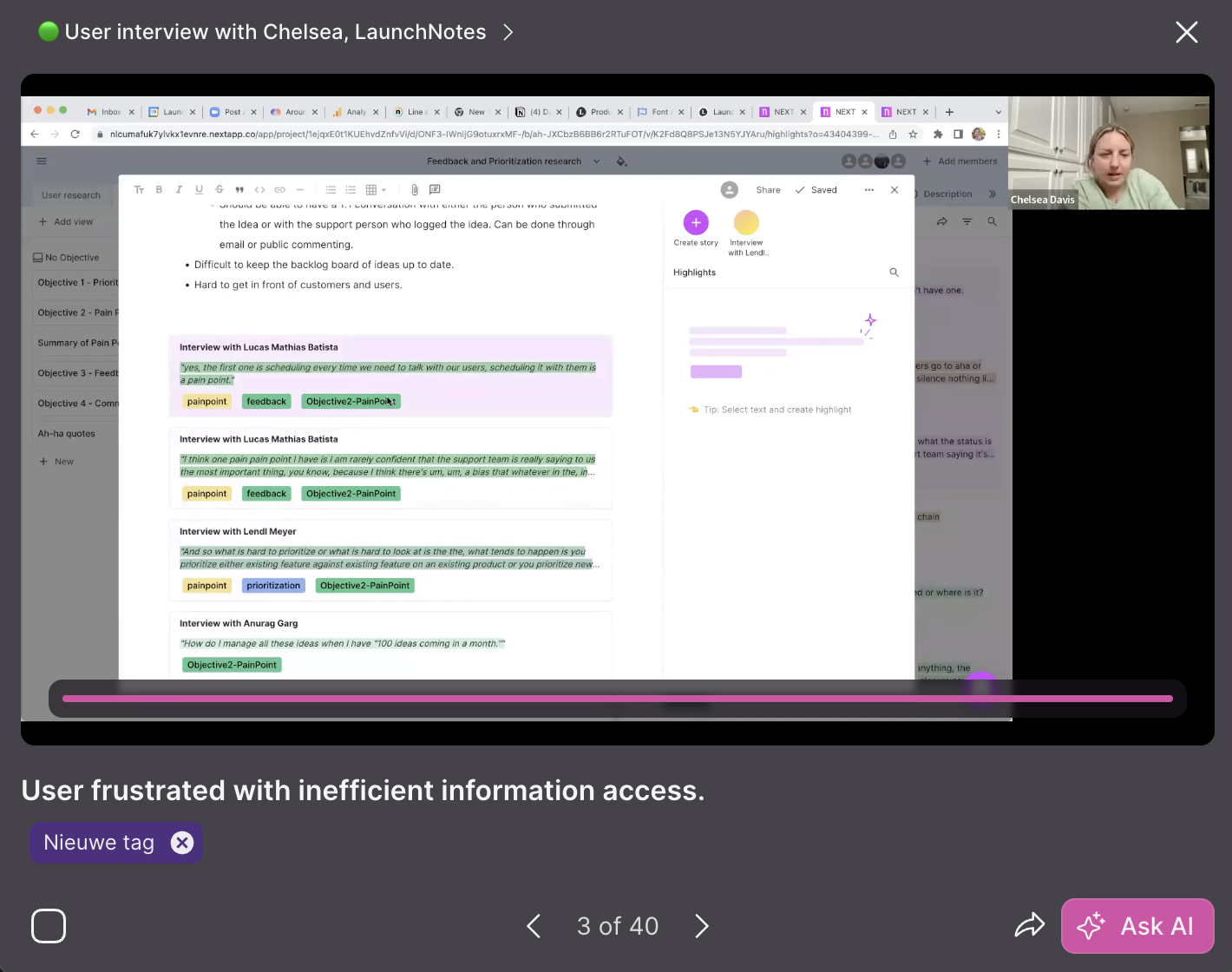
Viewing highlights in the Library
Explore highlights in list view
By default, the Highlights Library shows in Gallery mode, which is optimized for video. If you prefer reading the highlights, we recommend viewing them in a list.
- Navigate to “Library” → “Highlights”
- On the far right of the search box, click the “List” icon
- View highlights in reading-focused list format
Preview a highlight video clip
To play a highlight:
- Navigate to “Library” → “Highlights”
- In gallery view, click on a highlight
- The highlights will play automatically
In preview mode of a highlight, you can:
- Open the Recording from which the highlight originates
- Skip to the previous/next highlight
- Select a highlight
- Add tags to the highlights
- Share highlights
- Start the AI chat from that highlights by clicking “Ask AI”